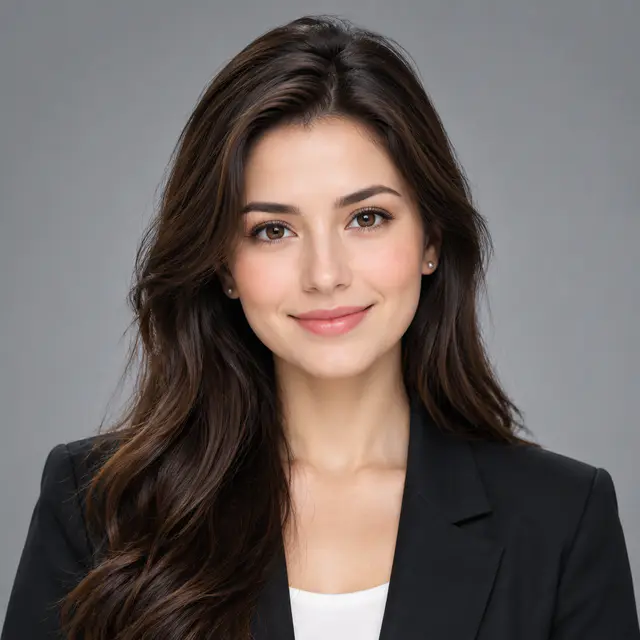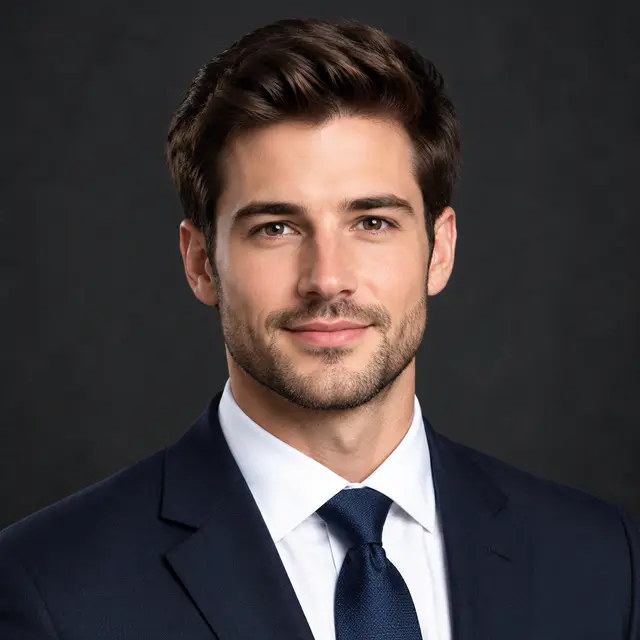

Use a 1024 by 1024 square as your master file
A clean 1024 by 1024 square gives you enough detail for the major social platforms without making one version for every app. Export that master before you upload, then let each platform resize it. Keep the important part of the image away from the corners, because many services display profile pictures in a circle.
The numbers below are recommended upload sizes, not the tiny sizes at which an app may show the avatar in a feed or comment. Platforms change their requirements from time to time, so check the current help page before preparing a campaign or a large set of brand assets.
Social media PFP sizes at a glance
These dimensions give each platform a square source with enough resolution for a profile image. The display shape and crop guidance matter just as much as the pixel count.
| Platform | Recommended size | Display and crop check |
|---|---|---|
| 320 by 320 px | Displayed as a circle. Keep the face or logo inside the middle. | |
| TikTok | 200 by 200 px or larger | Small in the feed and comments. Use a simple, high-contrast subject. |
| YouTube | 800 by 800 px | Channel image is circular. Do not rely on small text. |
| X | 400 by 400 px | Displayed as a circle. Leave space around the outer edge. |
| 400 by 400 px or larger | Use a recent head-and-shoulders image with a clear face. | |
| 320 by 320 px | Displayed in several small social contexts. Avoid group-photo crops. | |
| Discord | 512 by 512 px | Small in chat and member lists. Strong contrast matters. |
| 640 by 640 px | Seen in compact contact rows. Use one familiar subject or symbol. |
Instagram and TikTok: make the PFP work in a fast feed
Instagram and TikTok profile pictures are often seen before a viewer opens the account. A close face, mascot, or simple symbol works better than a wide scene. Leave a little background around the subject so the circular display crop does not feel crowded.
Use a color or visual cue that connects with the account's content, but avoid writing a caption into the image. At comment size, text becomes noise. Browse Instagram PFP or TikTok PFP ideas when you need a starting direction.
YouTube, Discord, and X: design for the smallest view
YouTube channel icons, Discord avatars, and X profile photos often appear beside dense lists of content. The subject needs a recognizable outline before viewers can notice fine details. A bold face, mascot, or emblem usually holds up better than a landscape, a group photo, or a detailed scene.
Test the source at a small size against a dark surface as well as a light one. Discord in particular can make a dark avatar disappear into the interface. For a channel or community, keep the PFP simpler than your thumbnails, banners, or server art.
Explore YouTube and Discord PFP ideasLinkedIn, Facebook, and WhatsApp: prioritize recognition
For a personal or professional account, the first job of the PFP is to make the account easy to identify. Use a current photo, a clear expression, and enough contrast between the subject and background. A head-and-shoulders crop is usually safer than a distant full-body photo.
LinkedIn rewards a more restrained image than a gaming or creator account. Facebook and WhatsApp are often used by people who already know you, so a familiar likeness or simple symbol is usually more useful than a highly edited effect.
Plan for the circle, even when you upload a square
Do not upload a pre-cut circle unless the platform specifically asks for it. Keep the square source and treat its corners as expendable background. Put the eyes, face, logo mark, or character silhouette inside an imagined circle at the center of the square.
A profile image may look fine at full size and still fail in a circular crop. Preview it small before publishing. Check that the top of the head, chin, hair, and any logo details remain visible, and move text away from the edge.
Learn how to crop a PFP for a circleUse the right file format and keep the original
JPG works well for most photo-based profile pictures. PNG is useful when crisp logo edges matter. WebP can keep file sizes lower when the platform accepts it. Avoid taking a screenshot of a preview, because it throws away detail and gives you less control over future crops.
Keep the original 1024 by 1024 source after you upload. It is the version you can revisit when a platform changes its interface or when you need a new crop for a different account.
Create a square PFP from a photoSources and update notes
This guide focuses on profile images rather than post, story, banner, or thumbnail formats. Check each platform's current documentation when exact upload requirements affect a client, brand, or campaign.